
How Online Learning Works at Virtual Preparatory Academy of Washington
Personalized Online Learning
As a parent or legal guardian, we understand that you want the best for your student’s education. At Virtual Preparatory Academy of Washington, we inspire minds, engage students, and offer a personalized and flexible learning experience! Our faculty is committed to helping students start strong and flourish throughout their academic journey. Adapting to online schooling takes time, and you may face challenges, but we are here to support you and your student during this transition.
The Learning Team for Student Success
- Student
- Learning Coach (Parent/Guardian)
- Success Coach
- Content or Elementary Teacher
- Mentor Teacher
- Guidance Counselor
- Principal
- Head of School
- Educational Specialist (if applicable)
The Learning Coach (Parent/Guardian)
It’s essential to your student’s continued success to have someone at home designated as the Learning Coach. The role of the Learning Coach and the amount of daily time spent supporting a student depends on the student’s grade level and their individual needs. Below is a list of Learning Coach roles based on the student grade level:
Elementary Learning Coach (K-5): expected to be present with their student throughout the course of the instructional day to ensure task completion, and support learning, which is an average of 3-6 hours each day. Support: helping student with submission of assignments; monitor/respond to messages from the school and teachers; and participate in any conferences, as needed.
Middle School Learning Coach (6-8): expected to assist students in making a daily plan for completion of tasks, as well as, ensure tasks have been completed as assigned, which is an average of 2-4 hours each day. Support: encourage independent learning; log attendance; monitor/respond to messages from the school and teachers, and participate in any conferences, as needed.
High School Learning Coach (9-12): may spend less time assisting their student based on the student’s ability to work independently but are still responsible for keeping their student actively engaged in school. Average amount of time is 1-2 hours each day. Support: verify lesson completion to ensure student is on track and engaged, monitor/respond to communication from the school and teachers, and participate in any conferences, as needed.
Keys to Success for Students at VPREPWA
Attendance
- Log into Canvas EVERY SCHOOL DAY
- Spend at least 6 hours a day on schoolwork and school-related activities
- Attend live classes, advisory, and small-group instruction
Conduct
- Communicate regularly with teachers via Canvas
- Use school-appropriate language while online
- Respect peers and school staff
- Turn in work by due dates giving best effort
Testing
- Complete iReady tests upon enrollment and during other testing sessions
- State Testing is required and will be held in April. Students must attend to be enrolled for the following school year
Getting Started
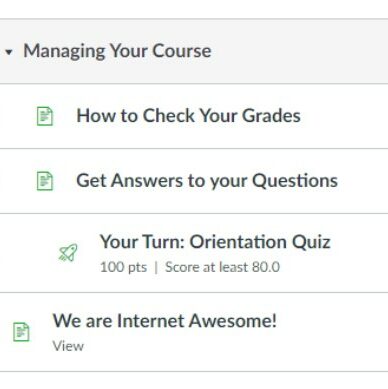
You and your student will participate in orientation activities to best prepare for the start of school. During orientation, Success Coaches will guide students through walkthroughs and overviews to get acquainted with the educational tools they will use daily, including the student dashboard, course access, calendars, email, and how to turn in assignments. There are live sessions for interactive discussion and ‘orientation courses’ to help set your student up for success.
A Typical School Day
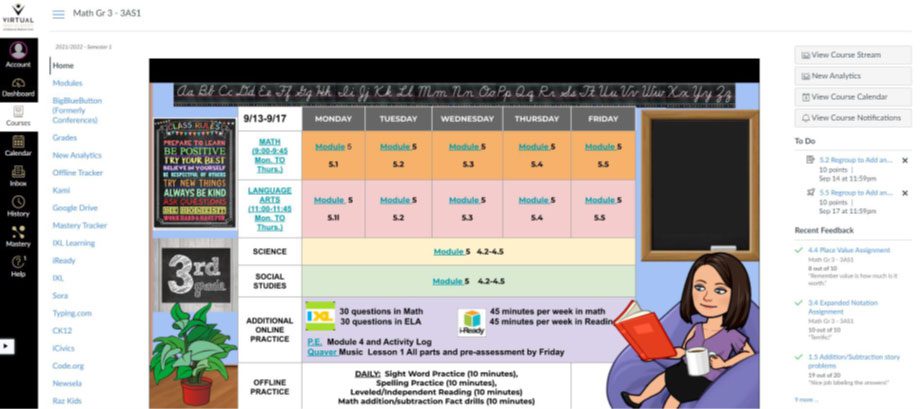
It’s a Wednesday at 8:30 A.M., and John, a third grade student, sits down at the workspace tucked into a corner of his family’s living room with his mother, who serves as his learning coach. John logs onto his school-provided computer and is immediately viewing his course dashboard. He reviews the To-Do list for the day and the live conference class sessions scheduled for each course. His mom helps him plan what tasks to tackle first, and she heads to the other room to make a work call.
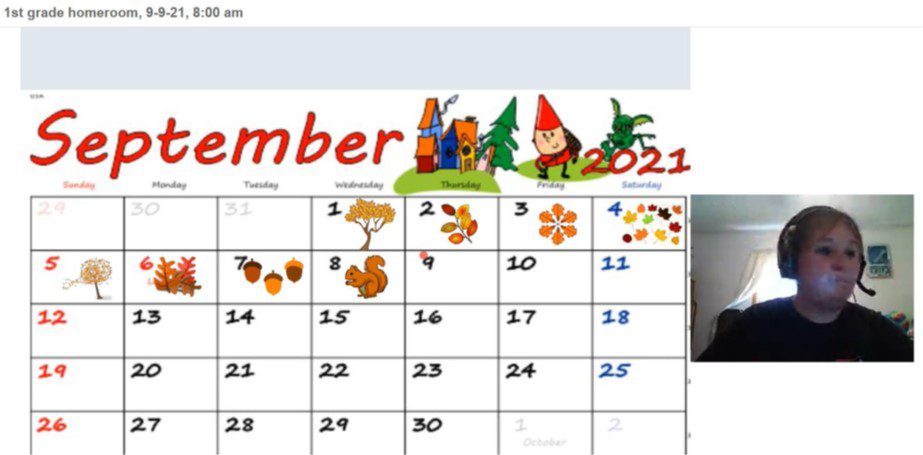
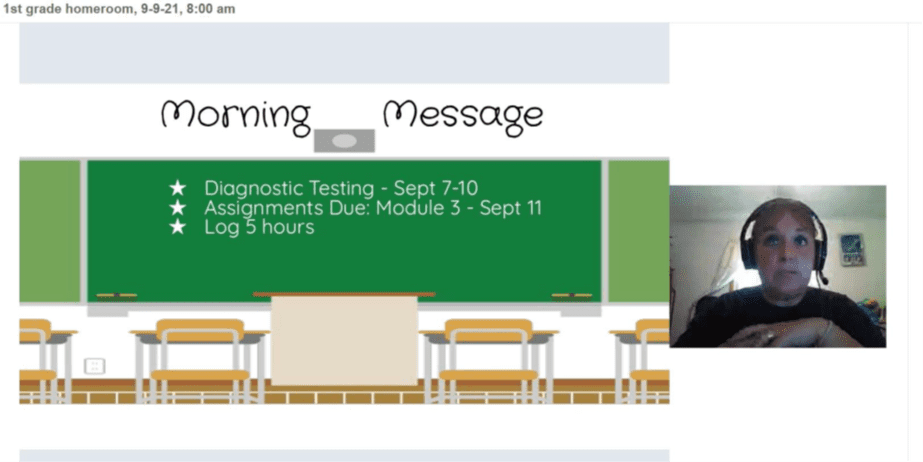
John begins his day by logging into a live Homeroom session led by his teacher. His Success Coach and his Guidance Counselor often join his homeroom sessions to do activities. The last time his Success Coach joined, they had a lesson on identifying interests and passions. On days when John’s teacher runs homeroom, she often uses the time to review the plan for the day/week, practice some basic skills, or complete a community-building activity.
After Homeroom, John starts an independent English Language Arts Activity in his ELA course. He clicks on his ELA course card and starts working on the modules for the day. John reads a short story, clicking on hyperlinked vocabulary words to hear definitions and pronunciation as he reads. He works on spelling and vocabulary words for the week, including a vocabulary quiz. Today, John also has a Short Cycle Assessment to complete in ELA. This brief test covers 1-2 specific standards and provides his teacher with standards-level mastery data. These assessments are repeated. The teacher uses that data to inform small group live sessions.
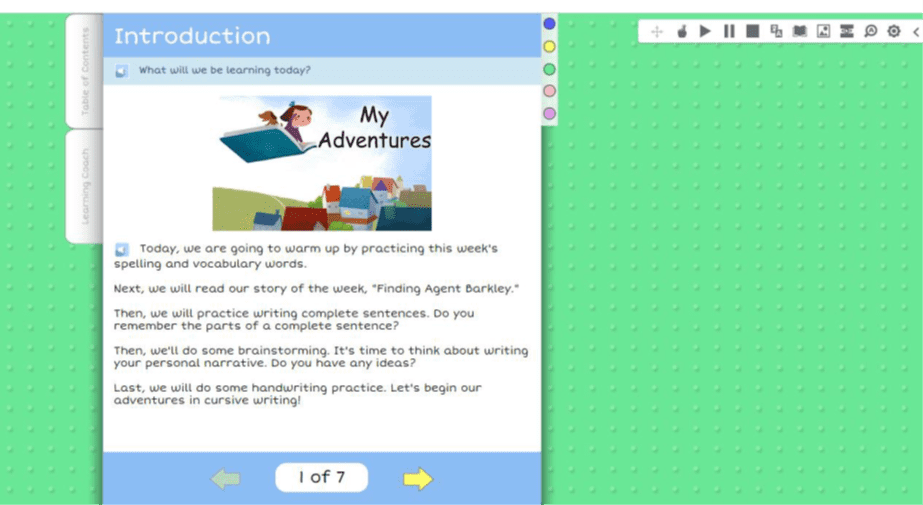
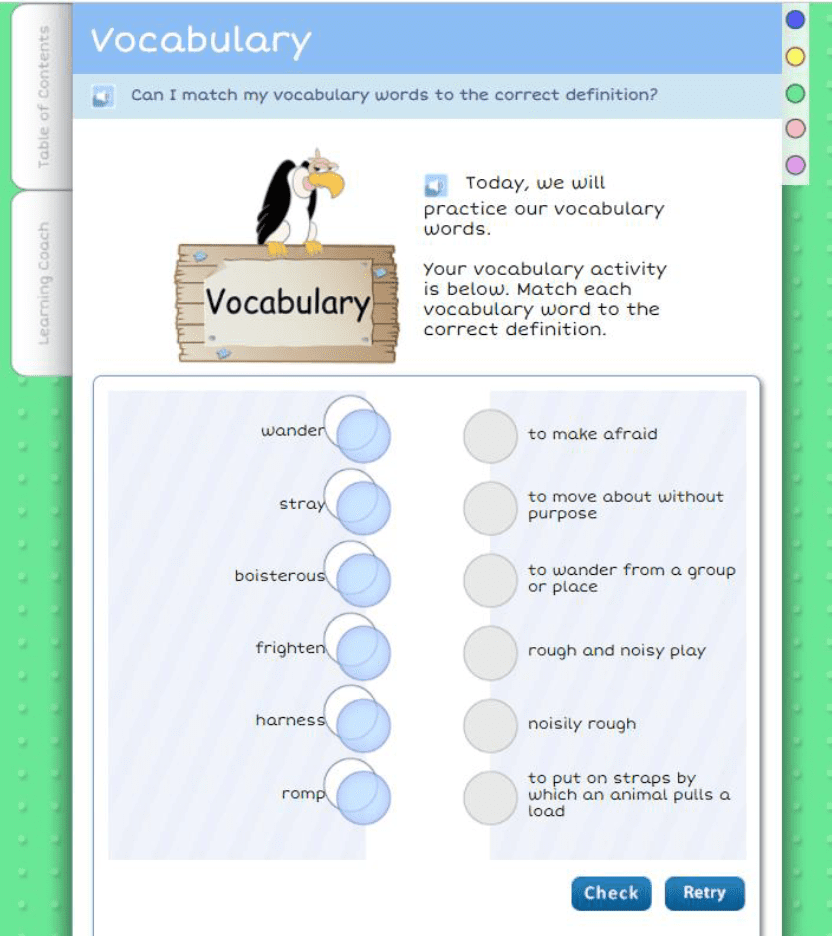
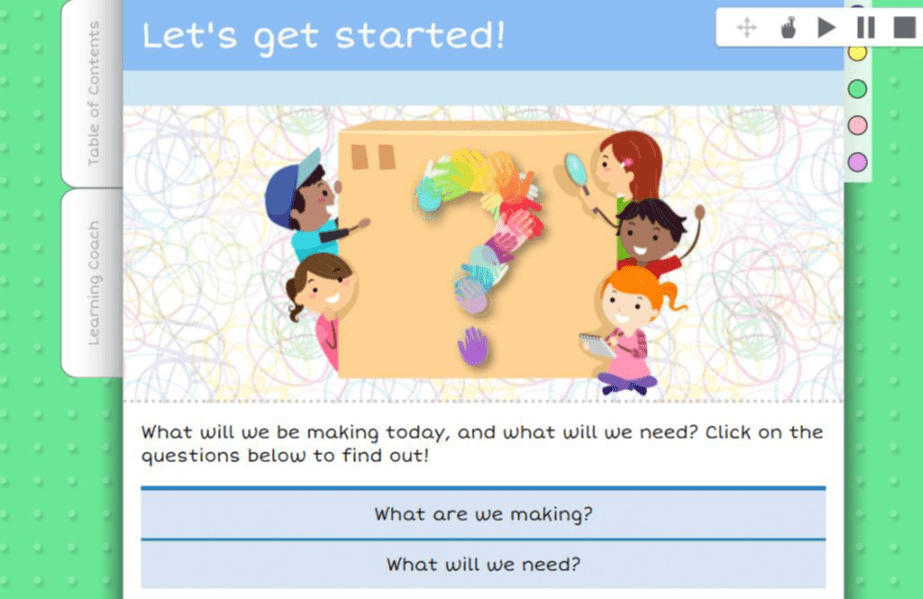
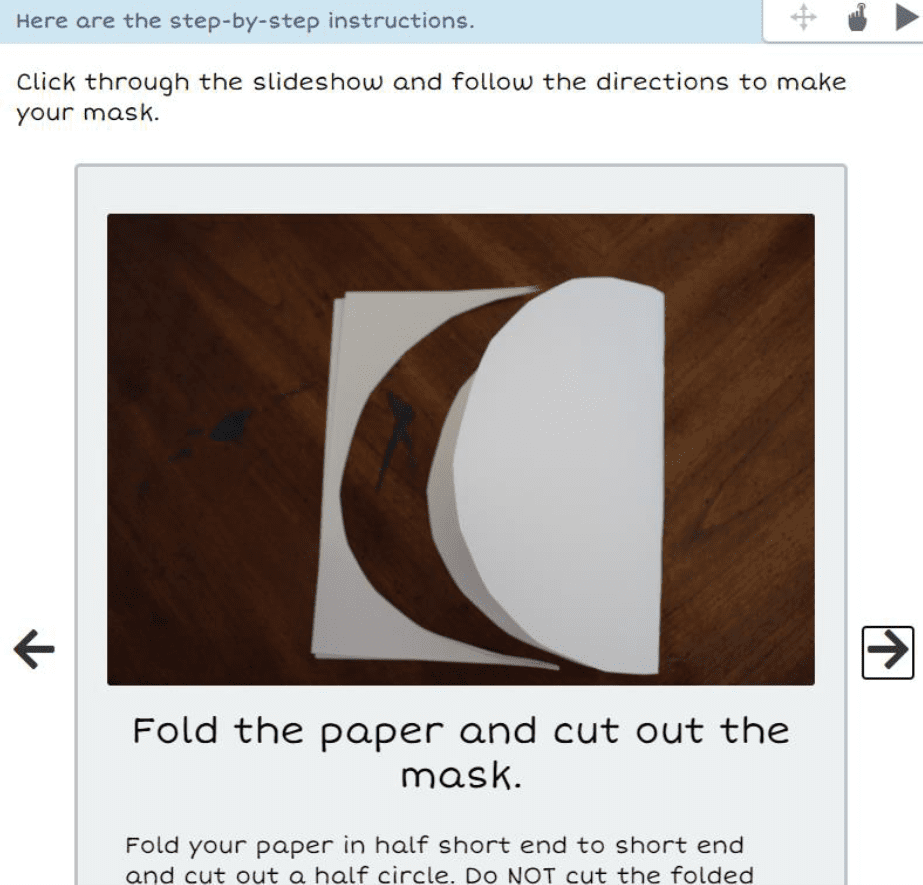
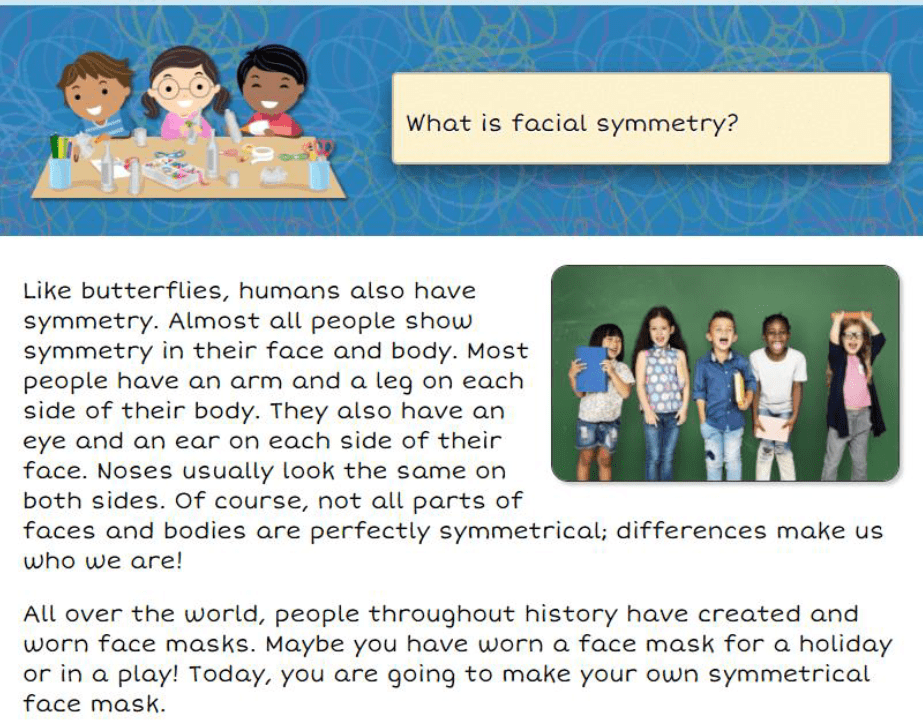
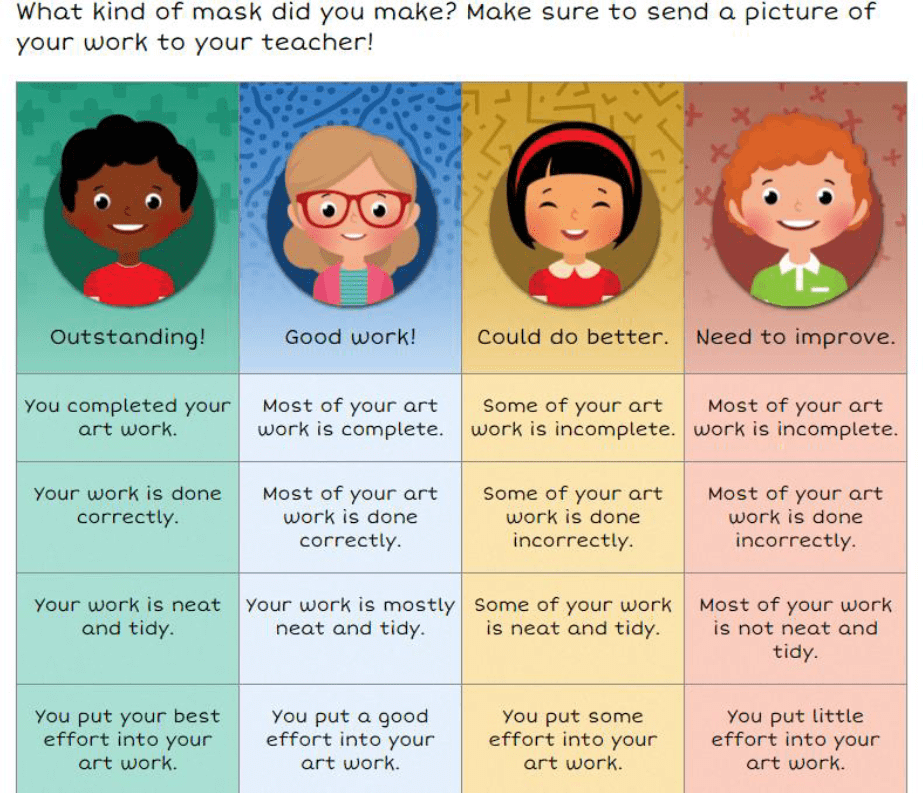
After ELA wraps up, John takes a quick snack break. When he returns to his computer, John opens his Art Course Card and completes today’s activity, a lesson on symmetry in nature. John will make a symmetrical face mask after learning about the symmetry of the human body.
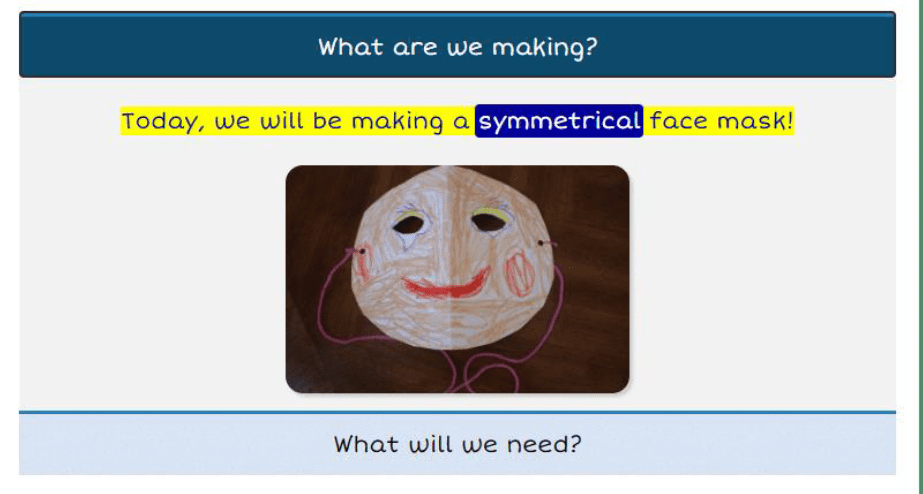
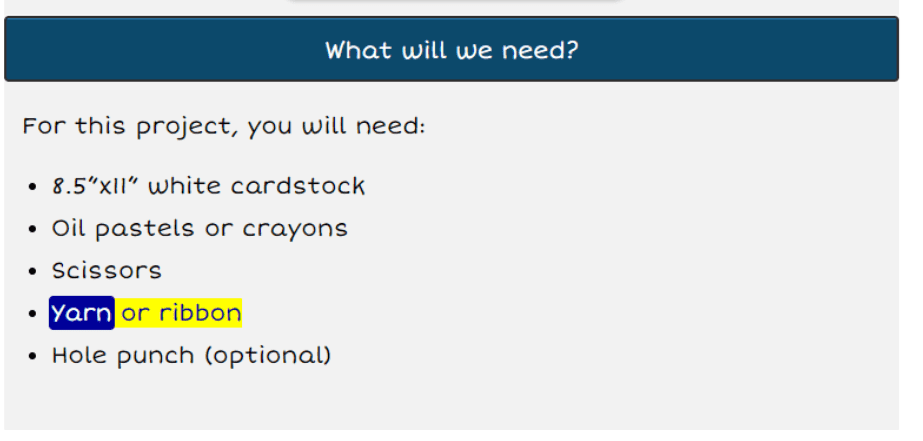
With ELA and Art complete, John takes a break for lunch. After lunch, John and his mom go outside to play some basketball for 20 minutes. When John comes in, his mom reminds him to open his PE course card and enter that time in his Offline Tracker, so his teacher can review and approve.
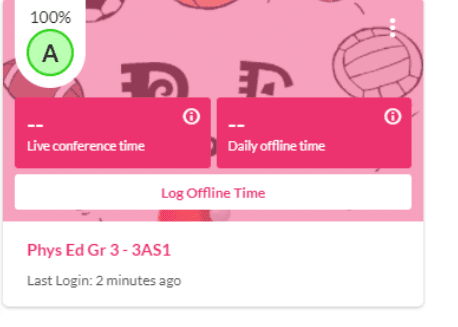
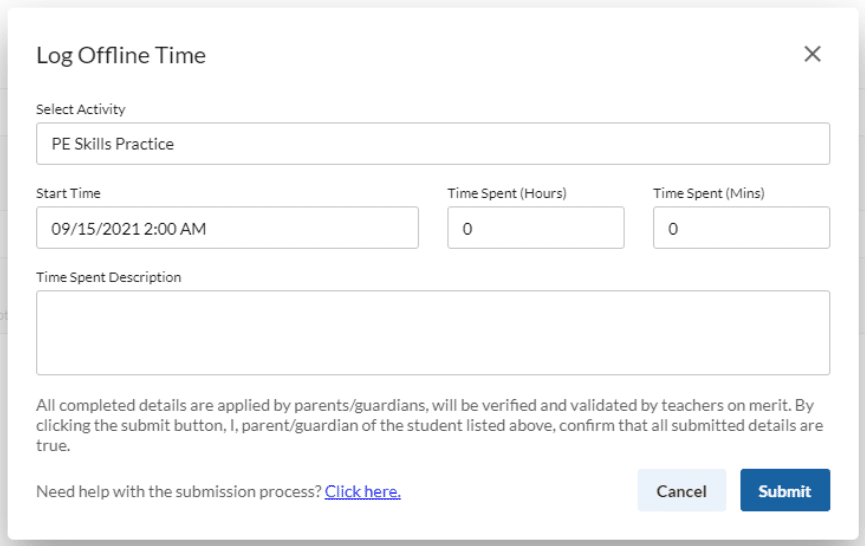
Now it’s time for Math. John clicks on his math course card, clicks on the Conferences tab, and clicks on the link to his session. He is soon in the web conference room with his classmates and teacher. Today, they will be working on division.
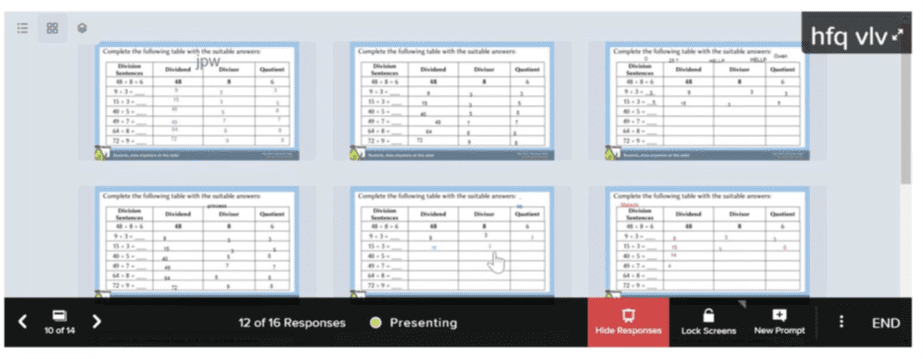

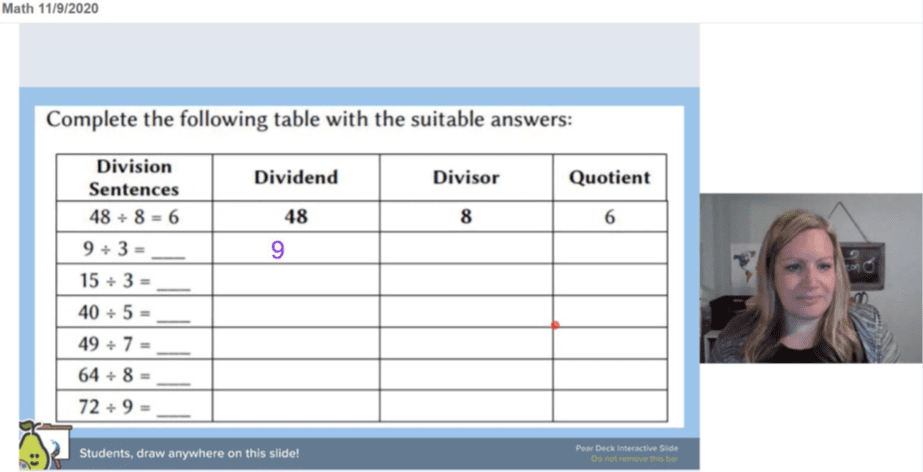
*Schedules will vary by student and teacher.
The Learning Management System
Accel Management Platform for Education.
Our user-friendly online school environment lets students experience education in a meaningful, interactive, and fun way. The comprehensive platform provides students access to an easy-to-follow course structure, teacher support, interactive online activities, and an individualized learning experience that meets their unique needs and learning styles.
Students and parents have 24/7 access to engaging course content, resource videos for support, announcements, and other planning tools. Parents always have real-time access to the student dashboard to monitor progress and grades.

Request Information
Fill out the form to receive more information about our school